
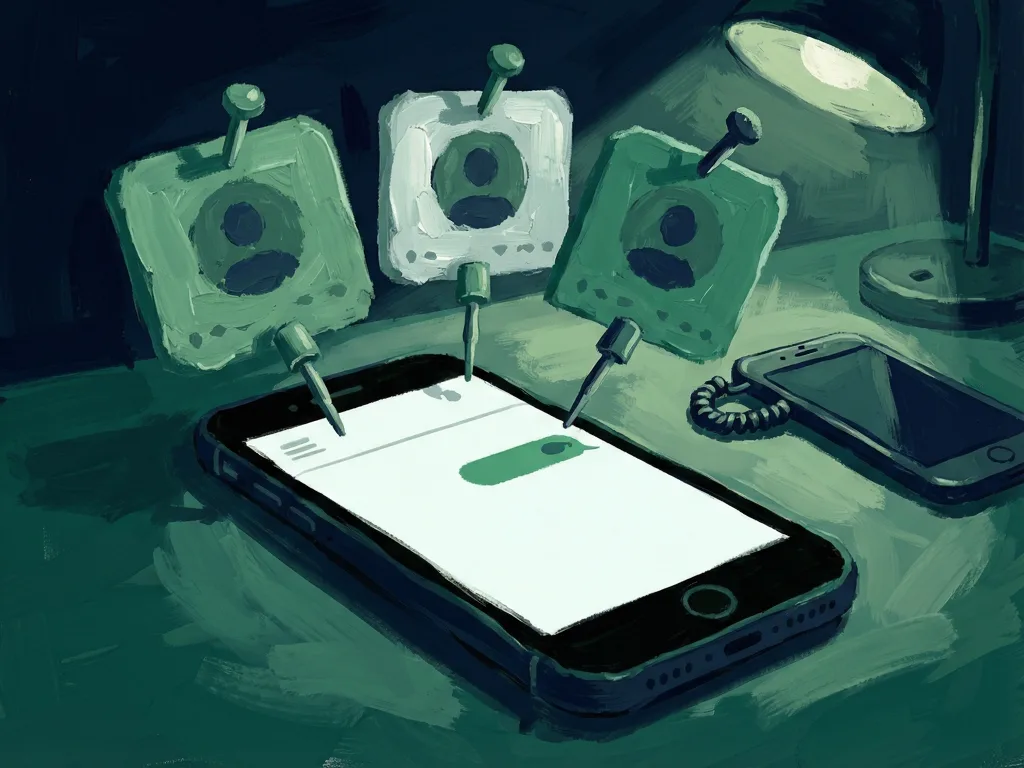
Google Messages is starting to send a redesigned pinned chats UI to some beta users, months after the change first required manual enablement. The update gives pinned conversations large contact photos at the top of the message list, while a separate test of the Search floating action button removes the Gemini icon.
Pinned Chats Move From a Manual Test to Visible Rollout
Pinned chats keep selected conversations at the top of a messaging interface for faster access. The new design makes those contacts easier to recognize by showing larger contact photos. The original report describes the layout as iMessage-like and says the interface no longer needs to be enabled manually for beta participants who receive the rollout.
September Message Previews Still Are Not Confirmed
Although the contact-photo redesign is now reaching users, the richer message previews spotted in September remain uncertain. The rollout does not confirm that all previously observed preview changes are included, so the visible update may be narrower than the earlier experiment suggested.
Gemini Icon Leaves the Search Button Test
Google is also testing a new Search floating action button that ditches the Gemini icon. Availability remains limited, meaning users may not see the change even if they receive the pinned chats redesign. The test points to a simpler search entry, but it is not a confirmed interface change for all users.
What Comes Next for Google Messages
The next signal is whether the larger contact photos become a standard part of Google Messages or remain a limited beta feature. Users should also watch whether richer previews return in a future update and whether the Gemini-free Search floating action button expands beyond its current small test group.
Comments 0