
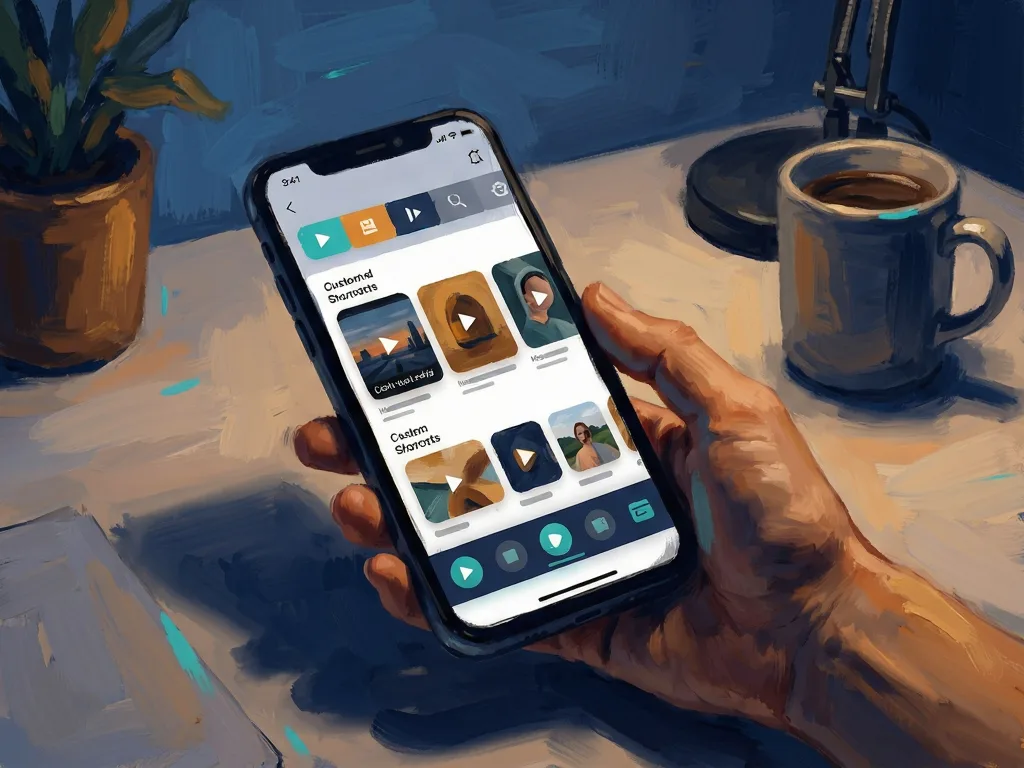
Google announced this week that the YouTube app is getting 2 major navigation changes on mobile: a redesigned top bar with shortcuts to Home, Subs, Live, Music, and Movies & TV, and a bottom bar reduced to 4 choices. Google described the update as a “new, seamless navigation experience on the mobile app.”
The top bar becomes the main entry point
The old top bar could showcase individual subscriptions or a user’s interests. The redesigned bar puts the main destinations in fixed tabs: Home, Subs, Live, Music, and Movies & TV. The announcement also shows the “+” button next to Home, Subs, Movies & TV, Music, and Live, so the bar can display both core tabs and some custom feeds.
Custom feeds arrive with the “+” button
The new “+” button is the most practical addition. Tapping it lets users create a custom feed for any subject they are interested in, such as “witty podcasts for my 30-minute commute” or “building custom keyboards.” Users can set up multiple custom feeds for their favorite topics. The feature turns a browsing interest into a saved navigation option inside the YouTube app.
The bottom bar shrinks to four tabs
The second major change removes the Subs shortcut from the bottom bar completely. The Subs button is now the shortcut to YouTube subscriptions, leaving the bottom row with 4 choices: Home, Shorts, Create, and You. For regular users, this means fewer options are visible at the bottom, but the subscription entry point moves upward.
Rollout and what to watch
The custom feeds “+” button is rolling out on mobile and desktop in the US as you read this. Because navigation changes often arrive gradually, some users may see the new top bar before others. The original post, titled YouTube App Getting 2 Major Changes, invites readers to report back once they get it.
Comments 0